
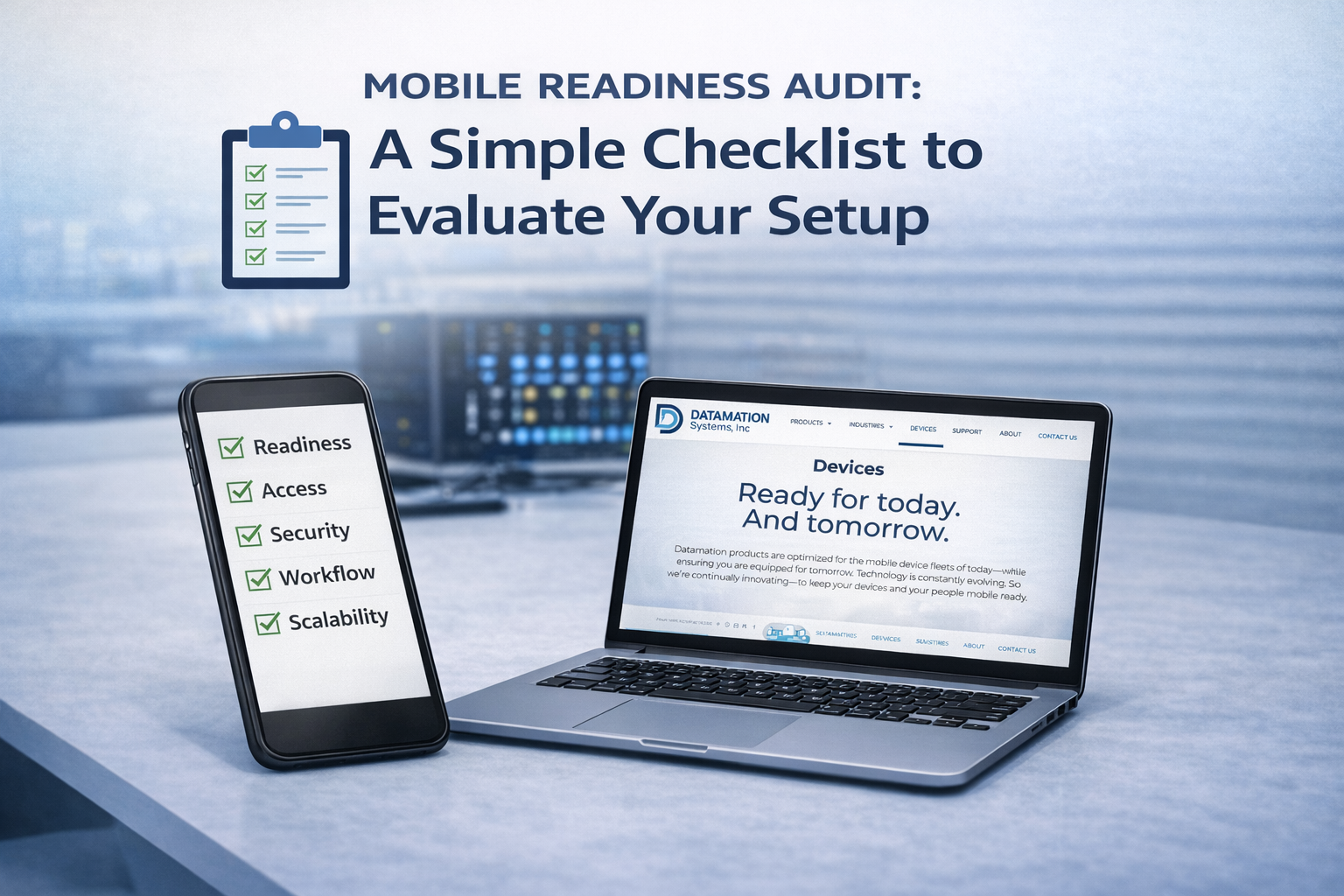
Mobile devices are everywhere — in classrooms, hospitals, offices, warehouses, and frontline environments. And while most organizations invest heavily in the devices themselves, the infrastructure behind them is often pieced together over time.
That’s where readiness gaps show up: devices that aren’t charged when needed, storage that’s improvised, unclear accountability, and workflows that depend on “whoever remembers.”
The good news: you don’t need a massive initiative to diagnose what’s working and what isn’t. A simple audit can reveal the friction points fast — and help you prioritize the fixes that create the biggest impact.
Below is a practical, repeatable checklist you can run quarterly (or anytime you’re scaling devices, changing workflows, or seeing rising downtime).
How to use this checklist
For each section, score your current state as:
0 = Not in place
1 = Partially in place / inconsistent
2 = Consistent and working at scale
You’ll quickly see where your system is strong — and where small gaps are creating outsized problems.
1) Intelligent charging and daily readiness
Goal: Devices are reliably charged, available, and ready…supported by intelligent charging workflows.
- Devices are fully charged at the start of each day/shift (not “most of the time”).
- Charging happens in a designated location (not scattered outlets and power strips).
- There’s a clear routine for plugging in / returning devices (not dependent on one person).
- Cables and ports aren’t regularly damaged, missing, or swapped around.
- You can quickly identify which devices are ready vs. not ready (without guessing).
Red flags: “We’re always hunting for a charged one,” devices left unplugged, chargers disappearing, and frequent “low battery” complaints.
2) Storage and access
Goal: Devices have a consistent home that supports speed, organization, and safety.
- Devices are stored in a secure, intentional place — not drawers, carts “wherever,” or unsecured rooms.
- Storage location is convenient for the workflow (where devices are actually picked up and returned).
- The setup supports shared use without confusion (clear slots, labeling, organization).
- You can tell at a glance if a device is missing — and it’s easy to return devices to the right spot.
- Storage doesn’t create bottlenecks during high-use moments (class changes, shift change, peak demand).
Red flags: devices “wandering,” cluttered carts, inconsistent returns, and delays during busy times.
3) Security and accountability
Goal: You maintain control without slowing down the people who rely on the devices.
- There’s a defined policy for who can access devices and when.
- Shared devices have a basic accountability process (even lightweight) that works in real life.
- You can track patterns: repeated loss, damage, or missing accessories.
- Storage supports security needs without creating friction (too many keys, unclear access, etc.).
- There’s a clear owner for device management (even if devices are shared).
Red flags: “No one knows who had it last,” repeated loss/damage, and security measures that get bypassed because they’re too slow.
4) Workflow fit
Goal: The system matches how people actually use technology, day to day.
- The infrastructure supports real routines: handoffs, shift changes, classroom transitions, and shared environments.
- Setup minimizes “extra steps” that people will skip when busy.
- Responsibilities are clear: who checks devices in/out (if needed), who maintains readiness, who reports issues.
- Staff training is simple enough that new team members can follow it without tribal knowledge.
- When something goes wrong (dead battery, missing cable, damaged device), there’s a simple way to flag it and get it resolved — without derailing the workflow.
Red flags: you have a process “on paper,” but in practice everyone does it differently.
5) Scalability and support
Goal: Your infrastructure can grow without breaking — and without constant rework.
- Your setup can handle growth (more devices, more users, more locations) without becoming chaotic.
- You have consistent standards across rooms/sites/departments (same labels, same storage approach, same routine).
- Support teams aren’t constantly reacting to preventable issues.
- Replacement parts, accessories, and maintenance are planned (not emergency-driven).
- You can deploy a new set of devices with minimal disruption because the system is repeatable.
Red flags: “What worked last year doesn’t work anymore,” repeated re-buying, and support teams stuck in firefighting mode.
Quick interpretation
8–10 points per section: strong foundation
5–7 points: workable, but inconsistent (friction will show up during peak demand)
0–4 points: readiness risk (downtime and loss will likely increase as usage grows)
Most organizations don’t need to overhaul everything. The biggest wins usually come from tightening one or two areas where inconsistency is creating daily downtime.
Next step: pick one priority
After scoring, choose one category to improve first:
If devices aren’t available when needed → start with intelligent charging and readiness
If devices disappear or get damaged → start with storage + accountability
If scaling is painful → start with standardization and workflow fit
Because readiness is rarely about doing more. It’s about building a system that makes the right behavior the easiest behavior.
Mobile. Ready.
If you’d like a second set of eyes, Datamation Systems can help you identify the biggest readiness gaps and recommend practical, low-friction improvements — whether you’re supporting one location or scaling across many. Reach out anytime and we’ll help you get Mobile. Ready.